
One app. Three layers of everyday security.
Your codes, passwords, and private connection — together.
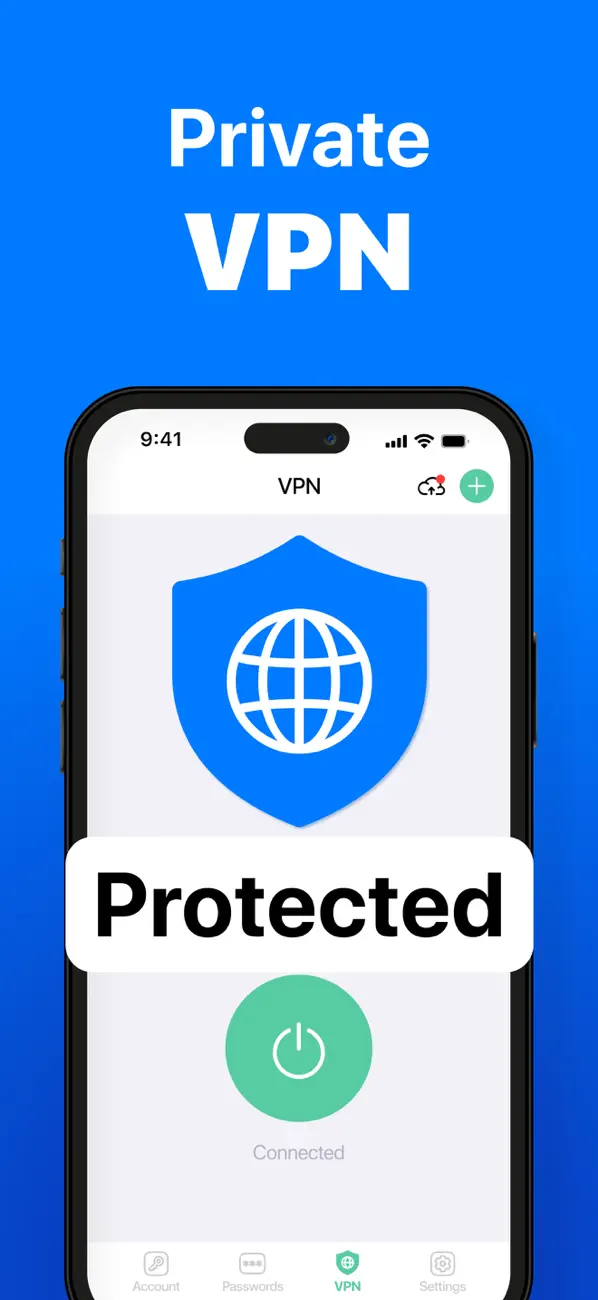
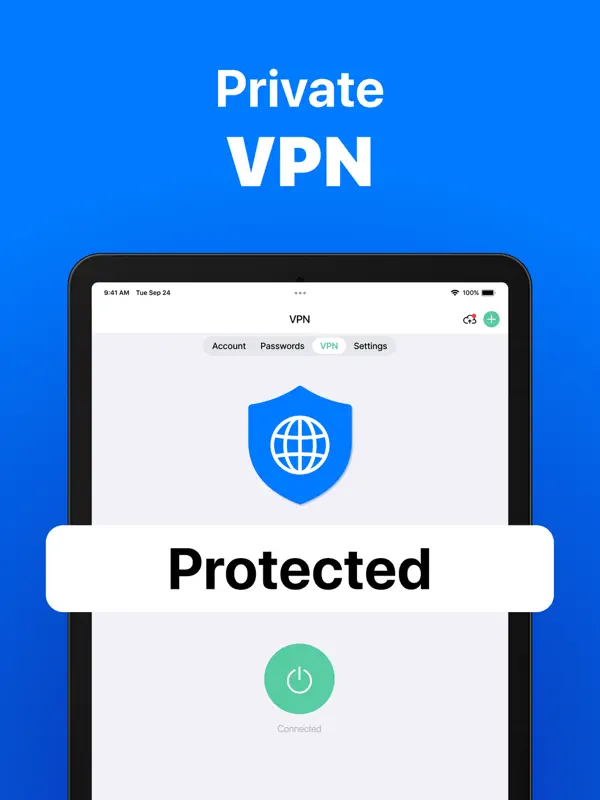
Protegy brings a TOTP authenticator, an encrypted password manager, and VPN access into one focused iPhone and iPad app.
✓ Codes work offline✓ No Protegy account required✓ Optional iCloud sync
GitHub402 817
ProtectedFace ID
Protegy
Everyday security, without the clutter
Use the tools you need, keep control of your recovery options, and understand every security choice.
2FA Authenticator
Scan standard TOTP QR codes, generate time-based login codes, and protect compatible accounts with a second step.
Learn more →Password Manager
Create and organize unique passwords in an encrypted vault protected by your device security.
Learn more →Private VPN
Add an encrypted connection layer when you browse on public or unfamiliar networks. Availability may depend on app version and region.
Learn more →Setup steps
Popular 2FA setup guides
Follow the current settings path, connect Protegy, save recovery codes, and verify the setup before signing out.
GGoogleDownload Protegy, connect the service in the Authenticator tab, verify a fresh code, and save the recovery options before you sign out.↗MMicrosoftDownload Protegy, connect the service in the Authenticator tab, verify a fresh code, and save the recovery options before you sign out.↗IInstagramDownload Protegy, connect the service in the Authenticator tab, verify a fresh code, and save the recovery options before you sign out.↗FFacebookDownload Protegy, connect the service in the Authenticator tab, verify a fresh code, and save the recovery options before you sign out.↗XXDownload Protegy, connect the service in the Authenticator tab, verify a fresh code, and save the recovery options before you sign out.↗DDiscordDownload Protegy, connect the service in the Authenticator tab, verify a fresh code, and save the recovery options before you sign out.↗GGitHubDownload Protegy, connect the service in the Authenticator tab, verify a fresh code, and save the recovery options before you sign out.↗DDropboxDownload Protegy, connect the service in the Authenticator tab, verify a fresh code, and save the recovery options before you sign out.↗
View all guidesProtegy Security Observatory
Account security, mapped service by service
A source-backed view of authenticator support, hardware factors, fallback methods, setup paths, and recovery preparation across the catalog.
Private browser tools
Solve common account-security problems
Check authenticator timing, inspect an OTP setup link, or generate a strong password without sending sensitive values to Protegy.
30
Open all toolsTOTP time check
Compare this device with the web server clock and inspect the current 30-second authentication window.
://OTP URI validator
Inspect an otpauth URI locally without displaying or uploading the secret.
••Private password generator
Generate a long random password in the browser using cryptographically secure randomness.
Glossary
Security, explained in plain language
Understand the terms behind safer sign-ins, password storage, account recovery, and private connections.
Browse the glossarySecurity
Built around clear security choices
Security claims should be specific. Our guides distinguish TOTP, passkeys, security keys, SMS, recovery methods, and the trade-offs of keeping credentials together.
Local-first core
Authenticator codes and vault access are designed around your device. Optional services such as iCloud sync, analytics, advertising, or VPN connectivity have separate data flows.
Recovery before lockout
Every setup guide reminds you to save platform recovery codes and verify a second recovery path.
Honest recommendations
For high-risk accounts, a passkey or hardware security key can offer stronger phishing resistance than a six-digit code.
One app. Three layers of everyday security.
Start with the account that matters most
Install Protegy, choose a service guide, and secure one account at a time.