How it works
Set up the feature in Protegy, keep your device protected with Face ID or a passcode, and preserve an independent recovery method.
 Protegy
Scan standard TOTP QR codes, generate time-based login codes, and protect compatible accounts with a second step.
Download on the App Store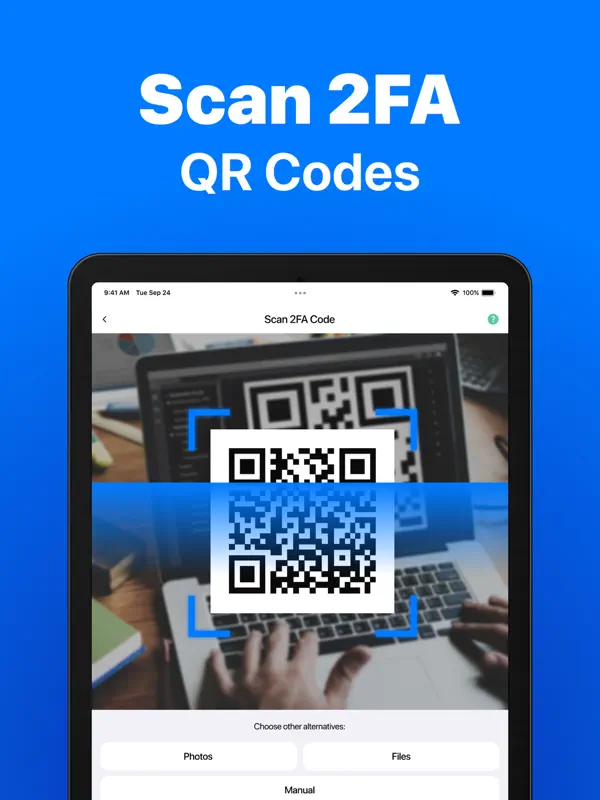
Set up the feature in Protegy, keep your device protected with Face ID or a passcode, and preserve an independent recovery method.
TOTP codes reduce the risk from a stolen password but are not phishing-resistant. Use passkeys or security keys where available for high-risk accounts.